Preserve the selected mode and control message
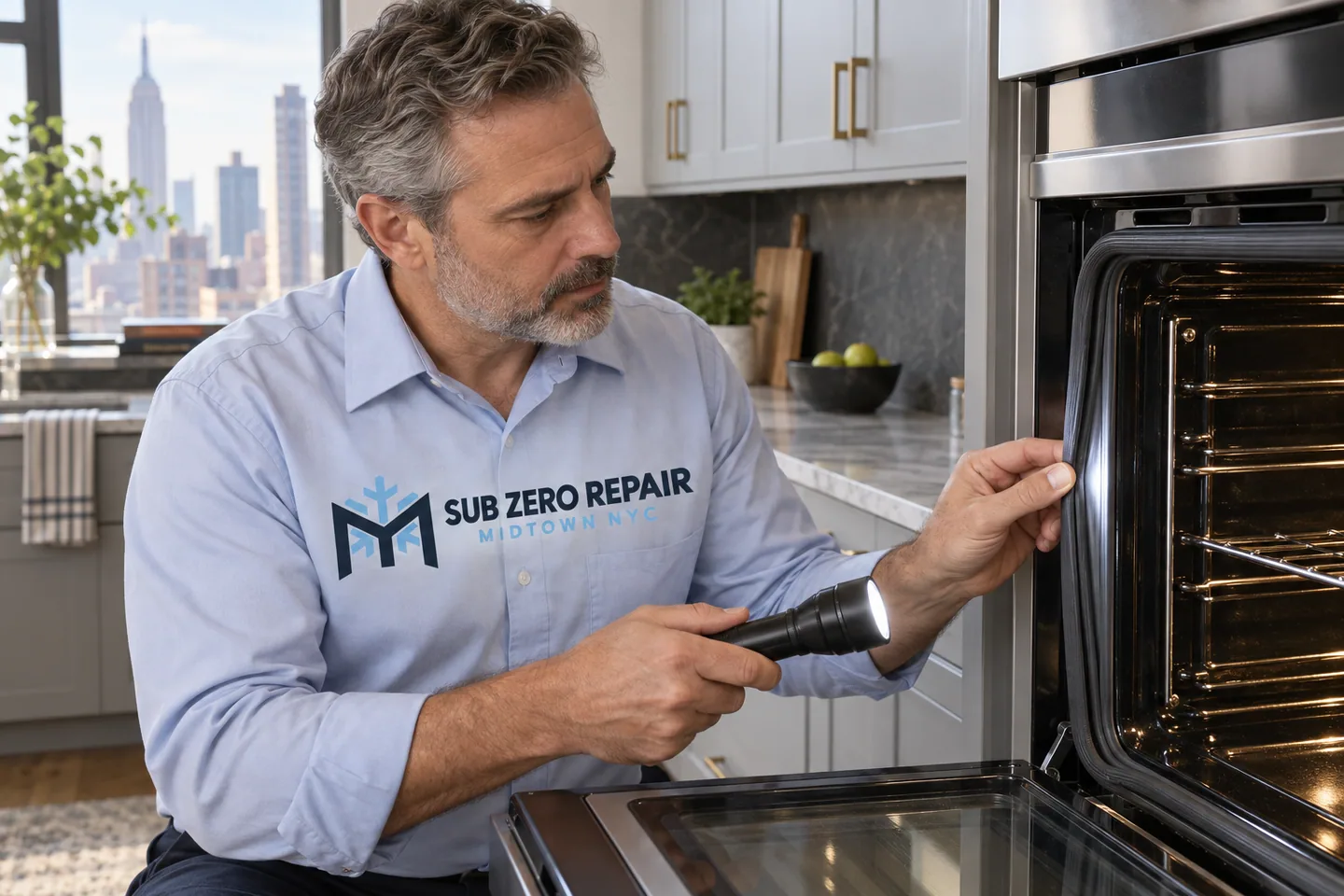
A Monogram oven complaint is easier to discuss when the selected mode and timing are known. Note whether it stalls during preheat, behaves differently in one cavity or displays a message later in the cycle. Avoid clearing useful information before recording it.
What you may be noticing
The cooking mode and cavity are part of the diagnosis.
- The oven does not heat or preheat as expected
- Food cooks differently from the selected setting
- A control message or code appears
- One oven cavity behaves differently from the other
- Door closure, latch or convection-noise concerns
The appliance and its installation
This page is focused on separate wall ovens, including single and double installations. If the oven is part of a range, mention that configuration so the right service details can be collected.
What happens during a service visit
We begin with the symptoms you report and the exact Monogram model. The appliance is assessed before a repair recommendation is discussed. A visible symptom is not confirmation of a failed part, and parts availability depends on the equipment identified.
Ask about diagnostic-visit charges when scheduling. Repair cost and any parts needed are discussed after assessment; submitting a request does not authorize work or confirm an appointment.
Before the technician arrives
Let the oven cool and remove loose items from the area around it. Have the model number and any code available. Do not remove a built-in oven or attempt internal electrical checks.
For an apartment visit, share building entry instructions and any service-elevator or access-window requirements. If your building asks for documentation, raise that when booking so the requirements can be reviewed before arrival.
A FEW HELPFUL ANSWERS
Before your service visit
Should I run self-clean to fix a heating problem?
Do not start a self-clean cycle as a repair attempt. Record the symptoms and explain whether the issue began during or after a cleaning cycle. We can discuss the model and the next step before a visit.
How do I request Monogram wall oven repair in Midtown?
Call 212-540-2172 with your ZIP code, appliance model if known and a short description of the issue. The address, equipment and current availability are checked before a visit is confirmed.
Can you tell me which part to order before inspecting the appliance?
We do not identify a failed part from a symptom alone. Keep any model information and previous service notes available; diagnosis and the appropriate repair options come before a parts commitment.