
Give each appliance its own starting point
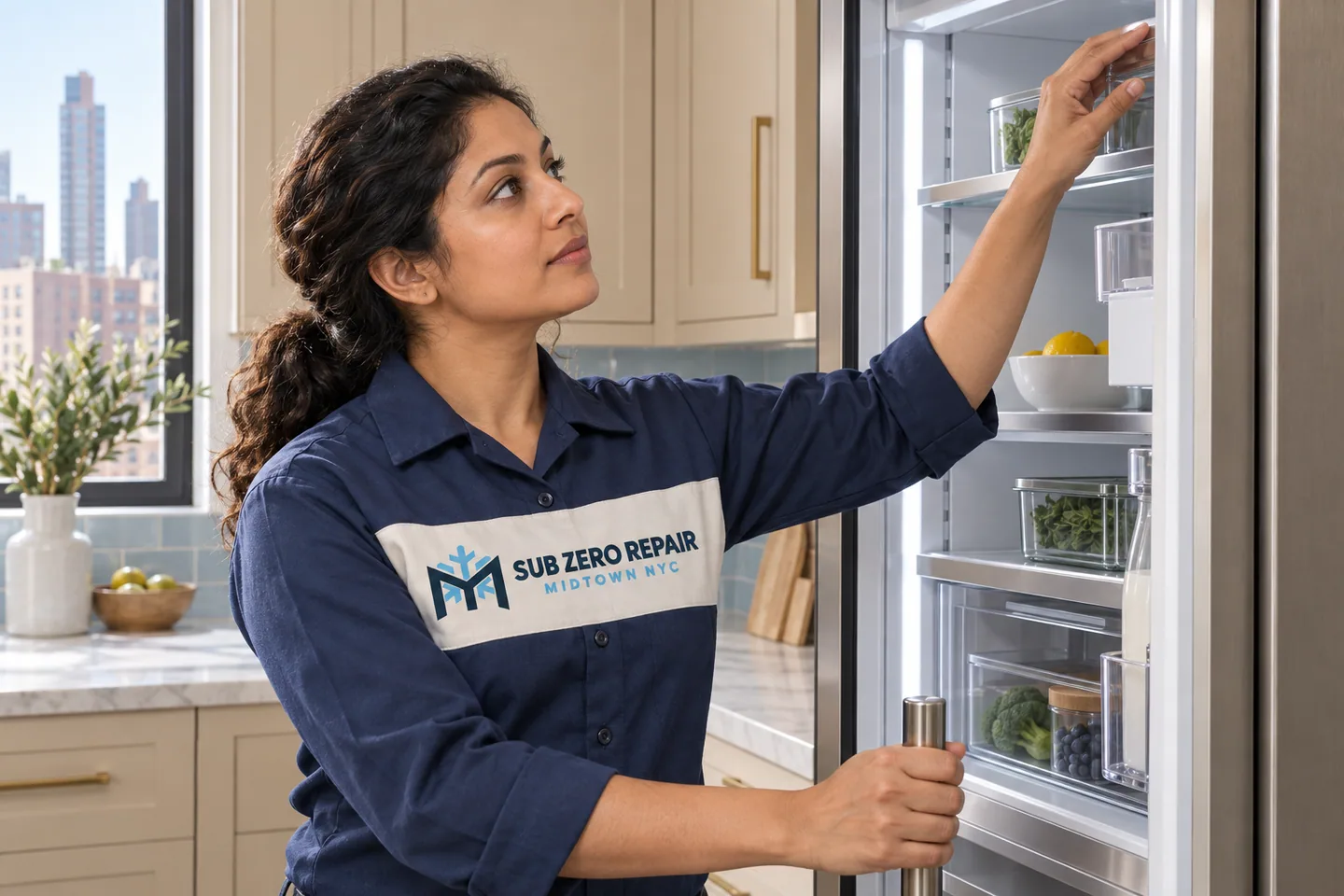
For a dishwasher, keep the selected program and any displayed code. For cooking equipment, note the mode, cavity or zone. For refrigeration, name the compartment and explain whether the concern is temperature, ice, water or door closure.
A shared brand name does not mean the appliances share components or troubleshooting steps. Use the owner information for the complete model identifier rather than applying a reset you found for a different Thermador product.
What to include in a multiple-appliance request
Say which appliance is the priority and which concerns can be reviewed separately. Tell us if the issues began after a power interruption or building work, without concluding that the event caused them. Confirm the scope and charges for any proposed multi-appliance visit in advance.
If a manufacturer's warranty or a recent installation agreement may apply, keep that information available before approving independent repair work.
Getting to the kitchen
At your Hell’s Kitchen address, the service route may differ from the visitor entrance. Give the actual entry instructions and any stairs or access window. Leave installed appliances in place; removing one unit to reach another is not a preparation task for the resident.
A FEW HELPFUL ANSWERS
Before your service visit
Does one appointment automatically include every Thermador appliance?
No. List each appliance and concern when calling so the equipment, scope and scheduling can be discussed explicitly.
Can I send the same error code for two different appliances?
Keep each code with its own model and symptom. Similar-looking messages can mean different things on different equipment.